

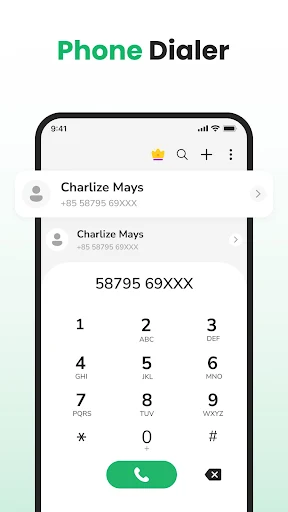
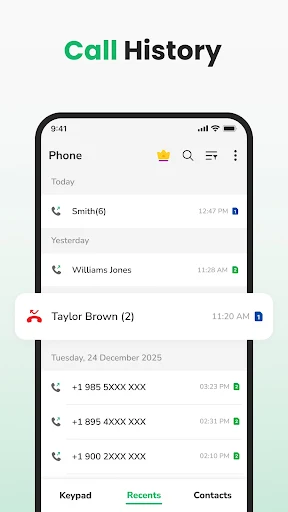
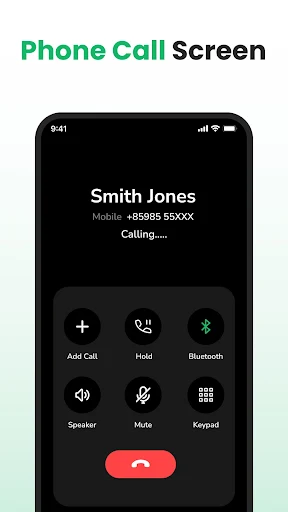
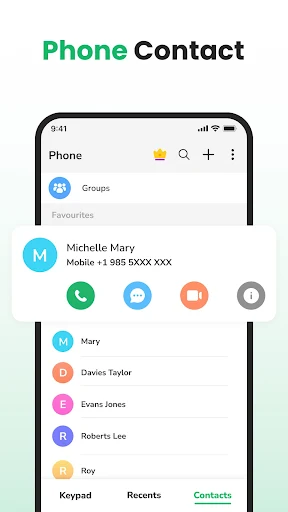
Contacts: Phone Dialer & Calls serves as a dedicated app for managing phone communications, combining a dialer, contacts manager, and call history tracker. It allows users to perform daily phone tasks such as making calls, organizing their contact list, and reviewing past call activity. The app distinguishes itself by offering specific tools for contact management, including options to merge, import, and move contacts, alongside features like filtering call history and providing quick response messages during calls, aiming to provide an organized approach to phone interactions.
Comprehensive Contacts Management
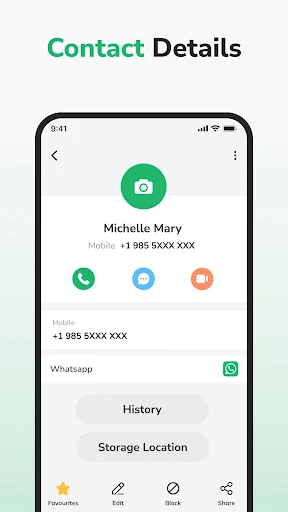
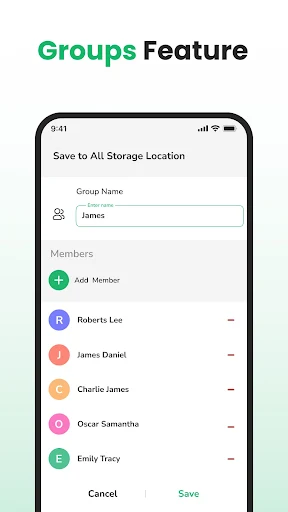
The app provides tools to manage your phone contacts effectively. Users can add new contacts, edit existing entries, delete unwanted ones, and organize their entire contact list. Specific management options include merging multiple contacts, importing contact information, and moving contacts between different storage locations. For easier access, you can create groups, designate contacts as favorites, or identify frequently used numbers. Additionally, the app facilitates sharing any telephone contact with others.
Integrated Phone Dialer and Keypad
A core function of the app is its phone dialer, which features a clear dialer keypad for making calls. Users have control over the keypad’s feedback, with options to toggle keypad sound and vibration on or off. This dialer is designed for quick call actions, supporting the needs of everyday phone calling.
Detailed Call History and Filtering
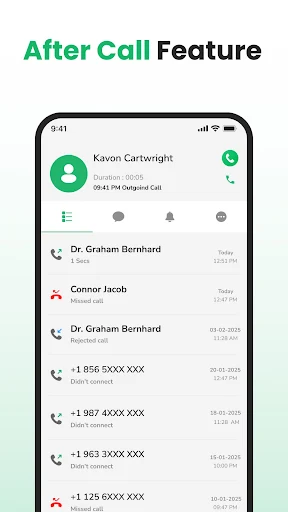
The app maintains a full record of your call activity, providing a clear call log with detailed information for each call. Users can filter their call logs to quickly view specific types of calls, such as missed, rejected, outgoing, or incoming calls. This filtering capability helps in managing and searching through your phone call list efficiently.
Advanced Call Control Features
Beyond basic dialing and history, Contacts: Phone Dialer & Calls includes several tools to enhance call management. Users can block unwanted numbers directly within the app, which helps in maintaining a focused communication environment. During an active call, the app supports sending quick response messages, useful for situations where a verbal reply isn’t immediately possible. Furthermore, an After Call Feature provides helpful shortcuts immediately following a phone call, designed to streamline subsequent actions.







Write a review